Accessing your settings
Updated Aug 23, 2024
To access your settings in the Pray app, follow these steps:
- Access your profile by tapping on the profile icon (top right).
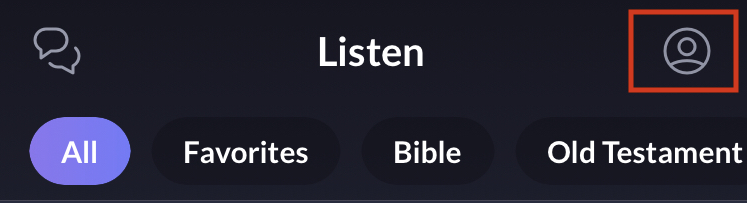
- Tap on the gear icon at the top right.

There you will have reached the Settings menu. You can edit your profile, leave communities, adjust notifications, see payment history, send feedback, view Terms of Service and Privacy Policy and logout.