Managing your notification settings
Updated Aug 23, 2024
Build a daily prayer practice and never miss the best sermons and services from the pastors featured on Pray.com. Enable and manage your notifications following these steps:
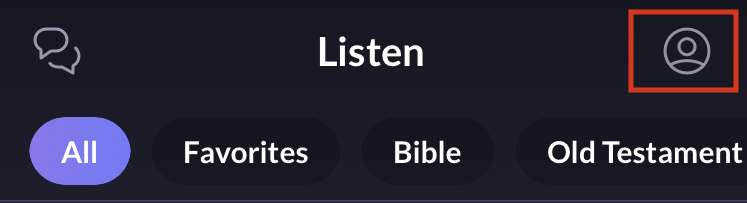
- Access your profile by tapping on the profile icon (top right).
- Tap on the gear icon at the top right.

- Tap "Notifications" on your Settings.
There you can enable or disable receiving text messages and push notifications for various events.