Cancelling a Pray.com website trial or subscription
Updated Dec 29, 2025
To cancel a free trial or a subscription you purchased directly through the Pray.com app or website, please be sure to do so at least 24 hours before the free trial ends to prevent unwanted charges.
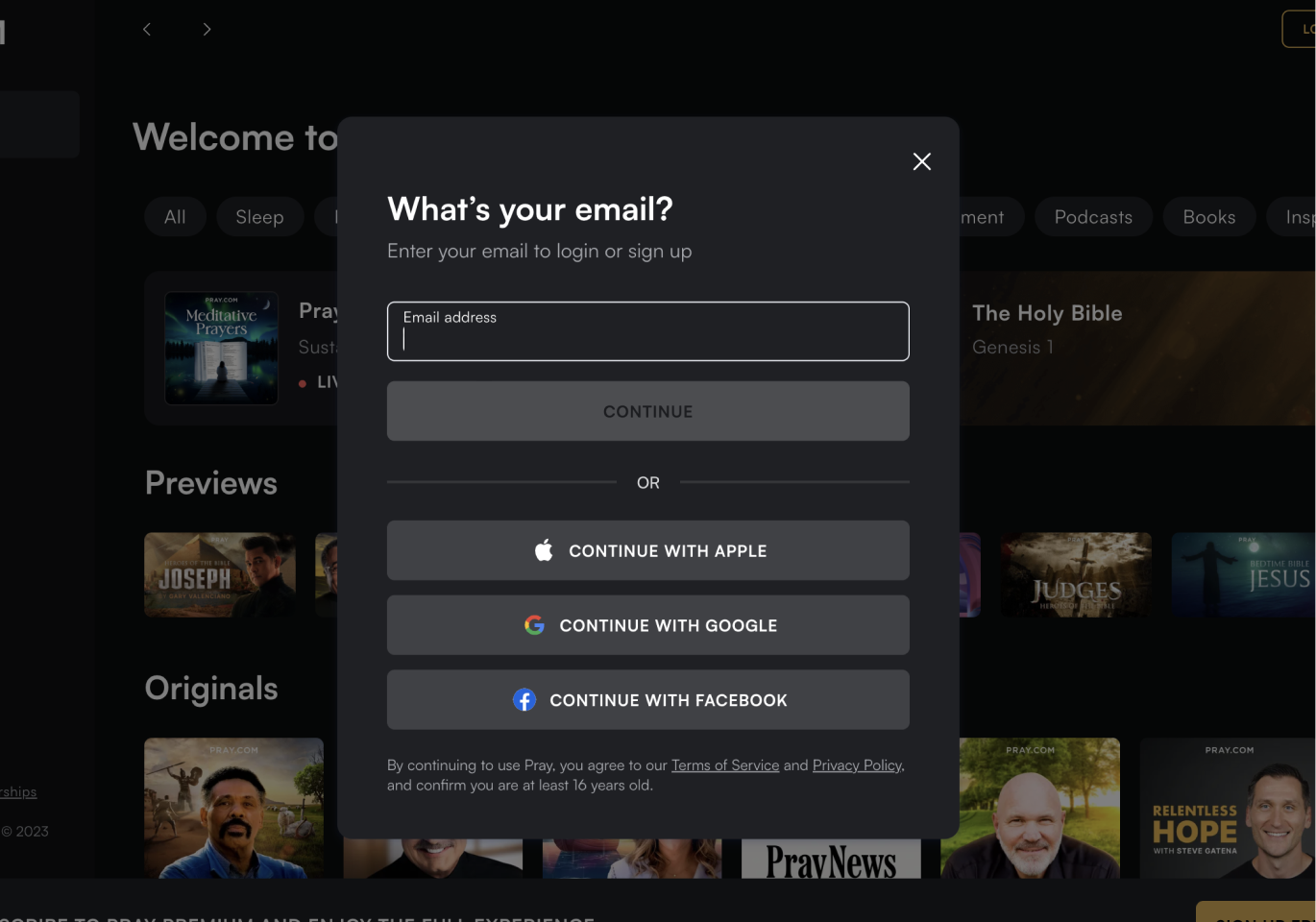
You can cancel through your profile on the Pray.com website or app by following the steps below.
If you need further assistance, email us at support@pray.com.
Note: Deleting your Pray account often won't cancel your subscription automatically. Make sure the subscription is canceled first.
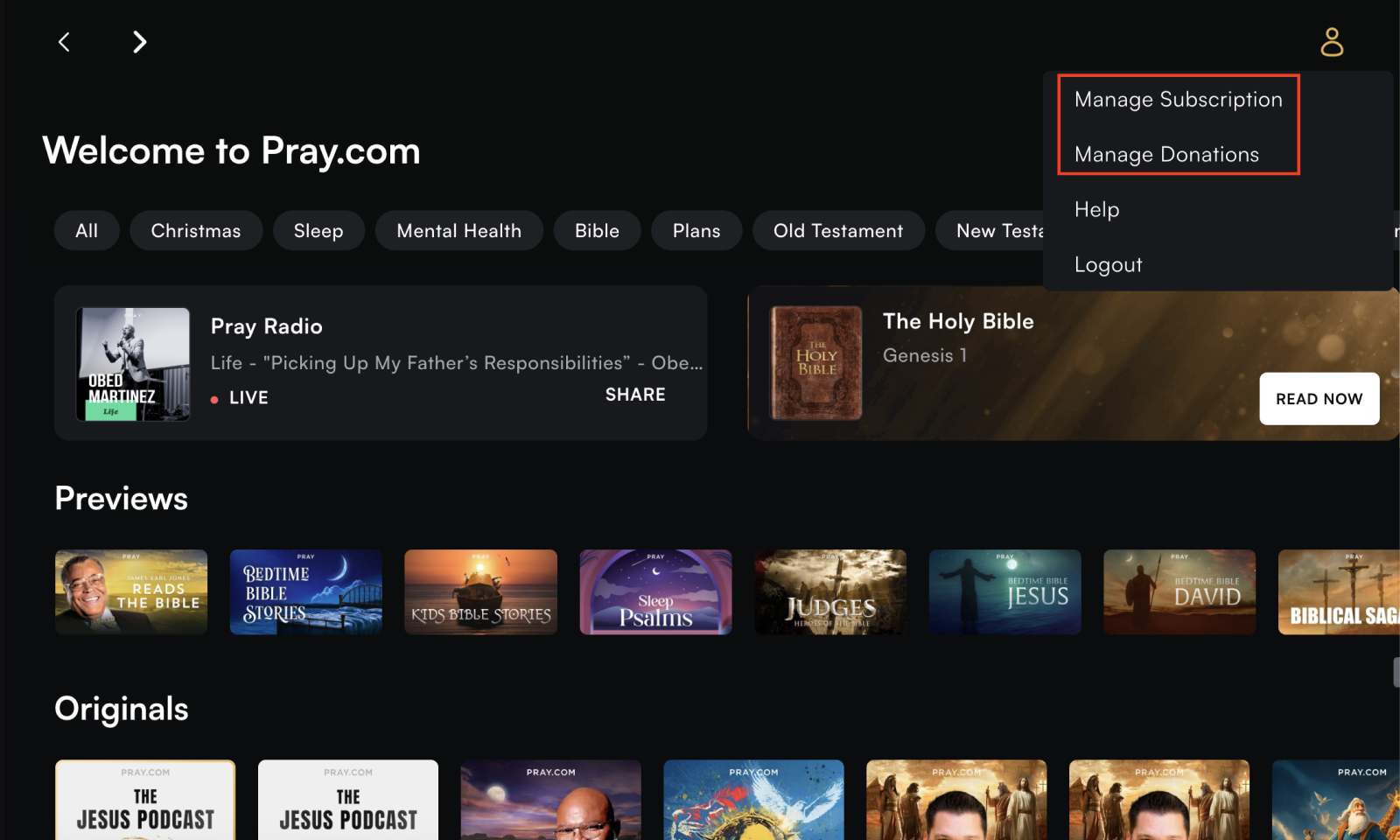
Step 2. Hover over the profile icon in the upper right corner and select "Manage Subscription or Manage Donation."
Step 3. Follow on-screen instructions to complete the cancellation.