Logging out of the app
Updated Aug 23, 2024
Follow these steps to log out of your account:
- Access your profile by tapping on the profile icon (top right).
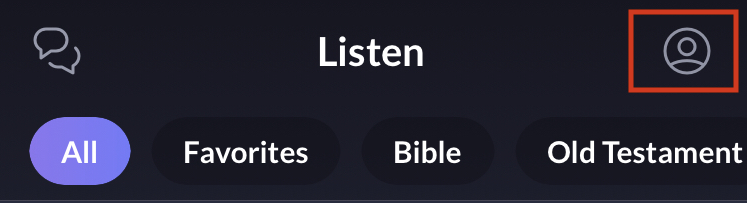
- Tap on the gear icon at the top right.

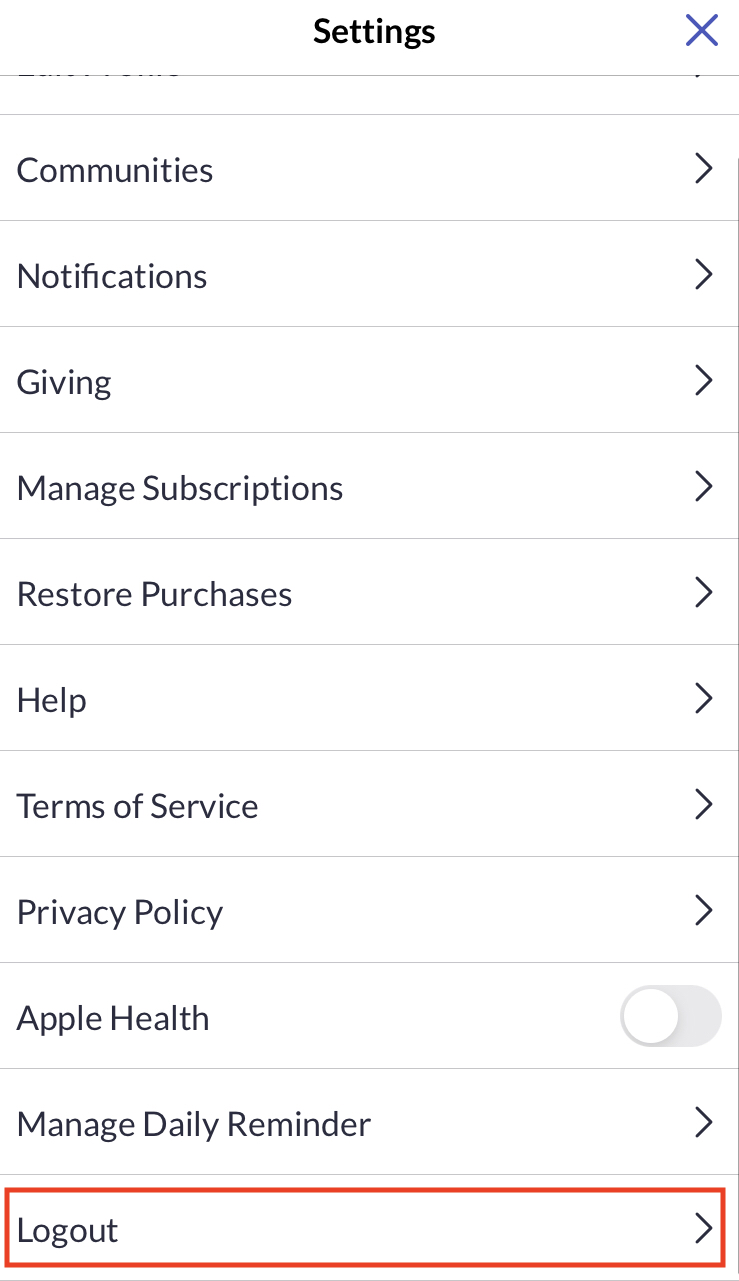
- Scroll down in the Settings screen and tap on "Logout" on your Settings.
- Tap "Yes" on the "Are you sure you want to log out?" pop-up.
- You have successfully logged out of your account!