Editing your profile
Updated Aug 23, 2024
To edit your profile in the Pray app, follow these steps:
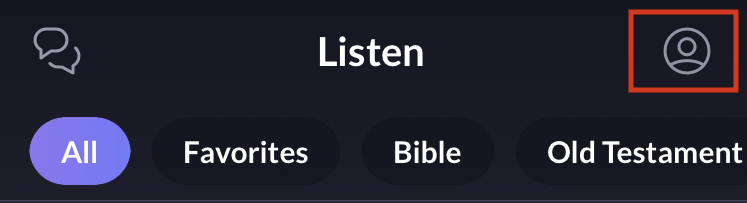
- Access your profile by tapping on the profile icon (top right).
- Tap on the gear icon at the top right.

- Tap "Edit Profile" on your Settings to change your name (once every 60 days), email address and/or add and edit your bio. Note: it's not currently possible to upload profile pictures.
- Tap "Done" once ready and your profile will be updated.