Removing members from your community
Updated Aug 23, 2024
As a Community Leader, you can remove any members from your communities. Please follow these steps to manage members' permissions:
- Go to the relevant community.
- Tap on the "Details" button on the community feed to go to the community profile.
- Tap on "# Members" button
- Locate the user you want to remove under the "Members" section and tap on the 3 dots next to their name.
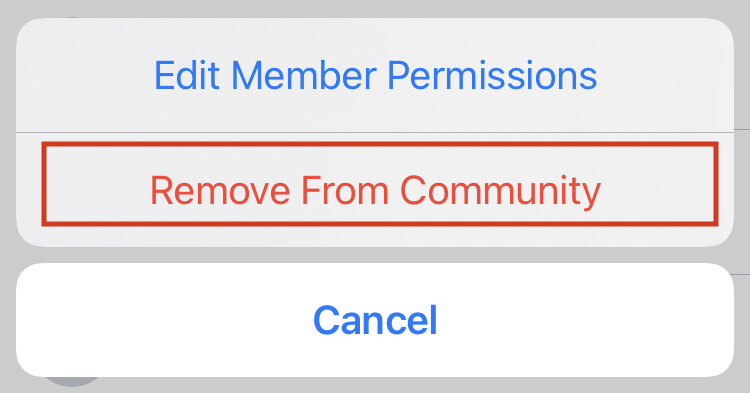
- Select "Remove From Community" from the selection menu.