Getting a refund from Pray.com (Website)
Updated Aug 23, 2024
NOTE: This article is to explain how to receive a refund if you purchased a Pray subscription directly from our website. If you would like to receive a refund from Apple or Google, please visit this article: Getting a Refund.
Steps to receive a refund:
Step 1: Visit https://www.pray.com/login/ to sign in to your Pray account, or by clicking here. Sign in with the email address you used to purchase your subscription.
Step 2: Click the menu button that looks like the image below in the top right corner of the Pray.com home screen

Step 3: Click "Manage Subscription" in the menu
Step 4: Click on the "Cancel Subscription" button to cancel your subscription.
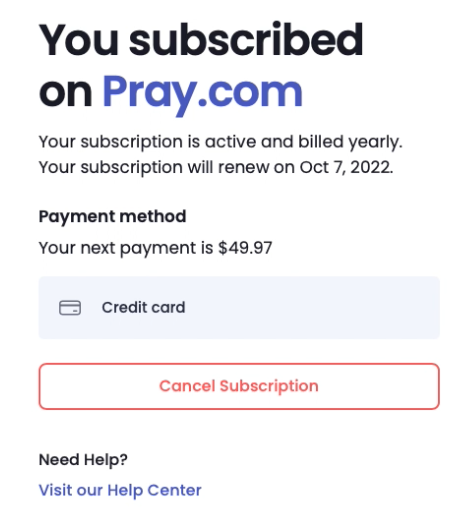
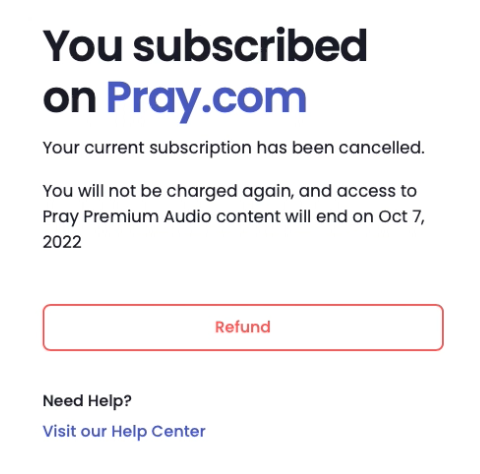
Step 5: Click on the "Refund" button that will appear after you cancel your subscription. See attached screenshot for an example.
That's it, you will receive a refund within 5 to 10 business days. If you do not see a refund, please contact us.