Joining a community
Updated Aug 23, 2024
Joining a community is an important part of Pray.com. While it's not required we highly encourage you to find a community you connect with that can support your prayers as well as give you a reason to support others.
Joining a community for the first time
If you have never joined a community before, here's how to enable Communities for your account in both iOS and Android (Communities are not currently available on Web):
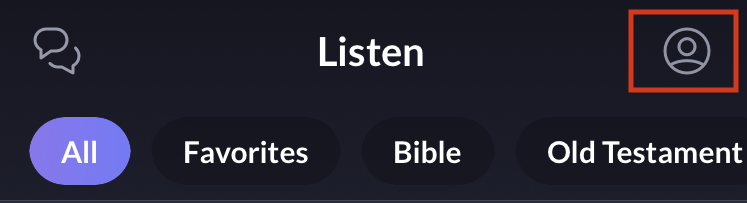
- Access your profile by tapping on the profile icon (top right).
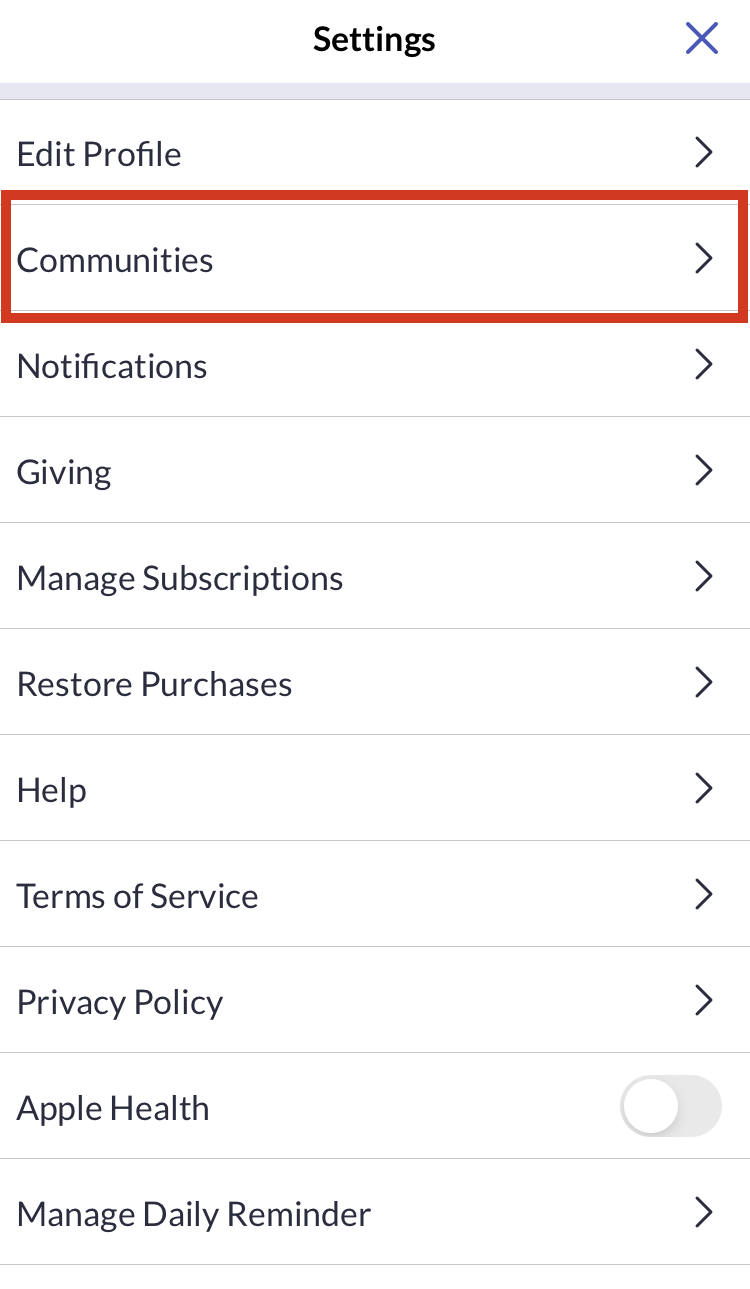
- Tap on "Communities".
- Tap on the "+" icon at the top to add a community.

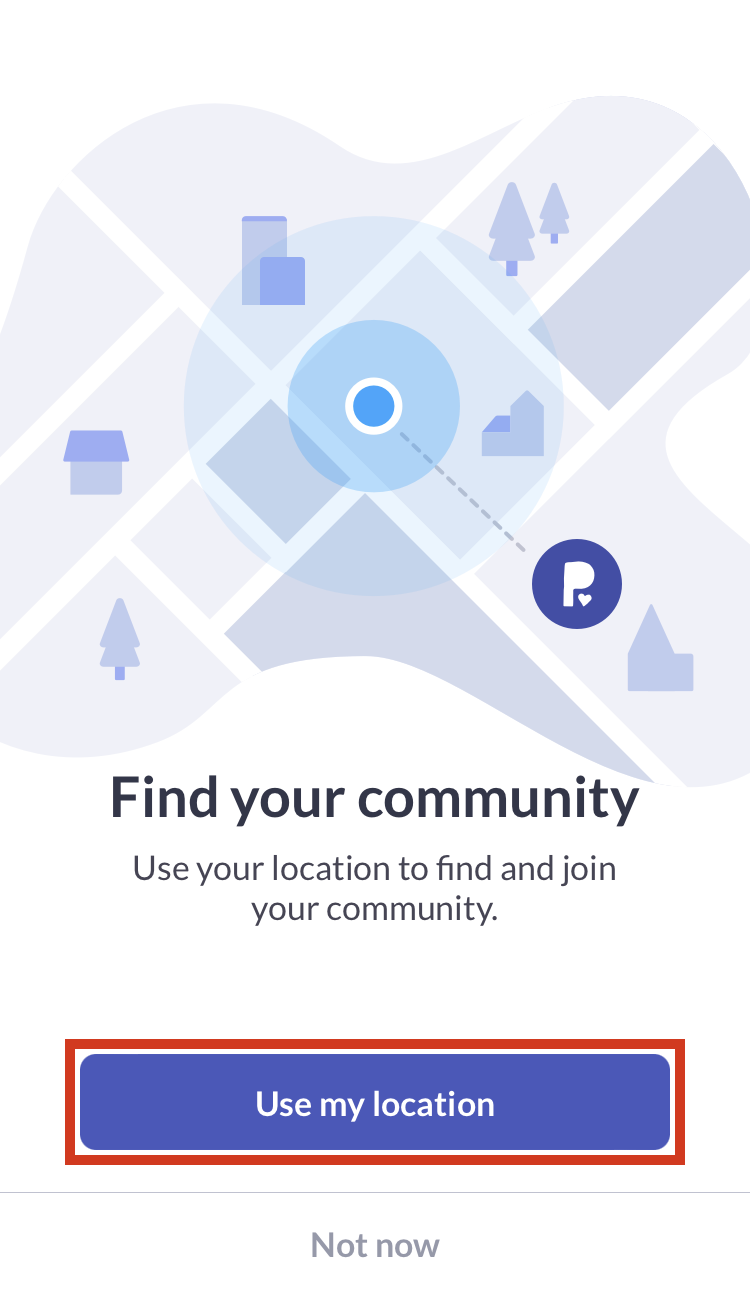
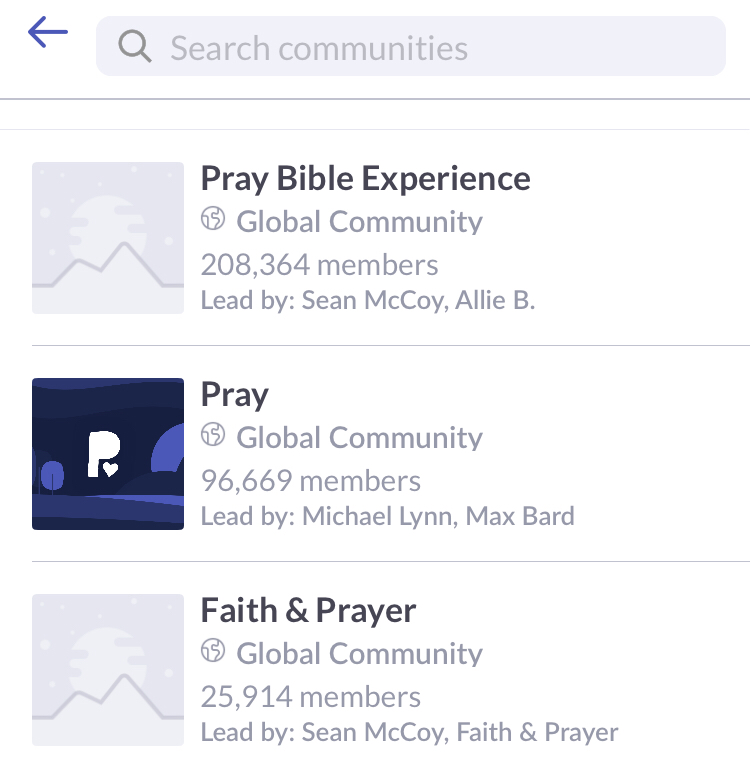
- Allow "Use my location" and enable location access to see the closest community to you, or use the search bar to find a relevant community.
- Tap the community you want to join and tap "Join this community"
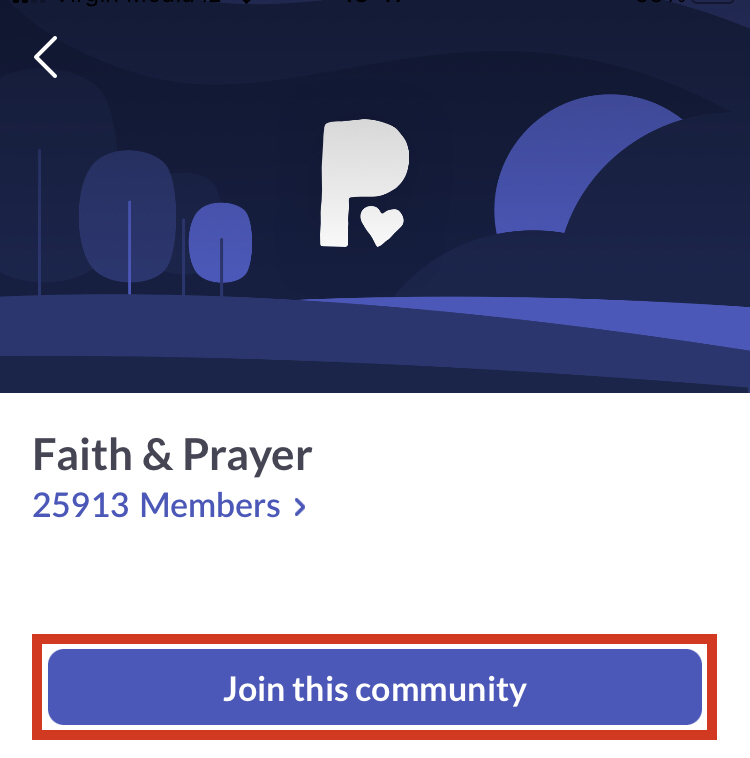
- Unsure where to start? Join our Pray Bible Experience, Faith & Prayer, or Pray communities!
Joining additional communities
- Open the Pray app and tap the Community icon at the top (left for iOS, right for Android).

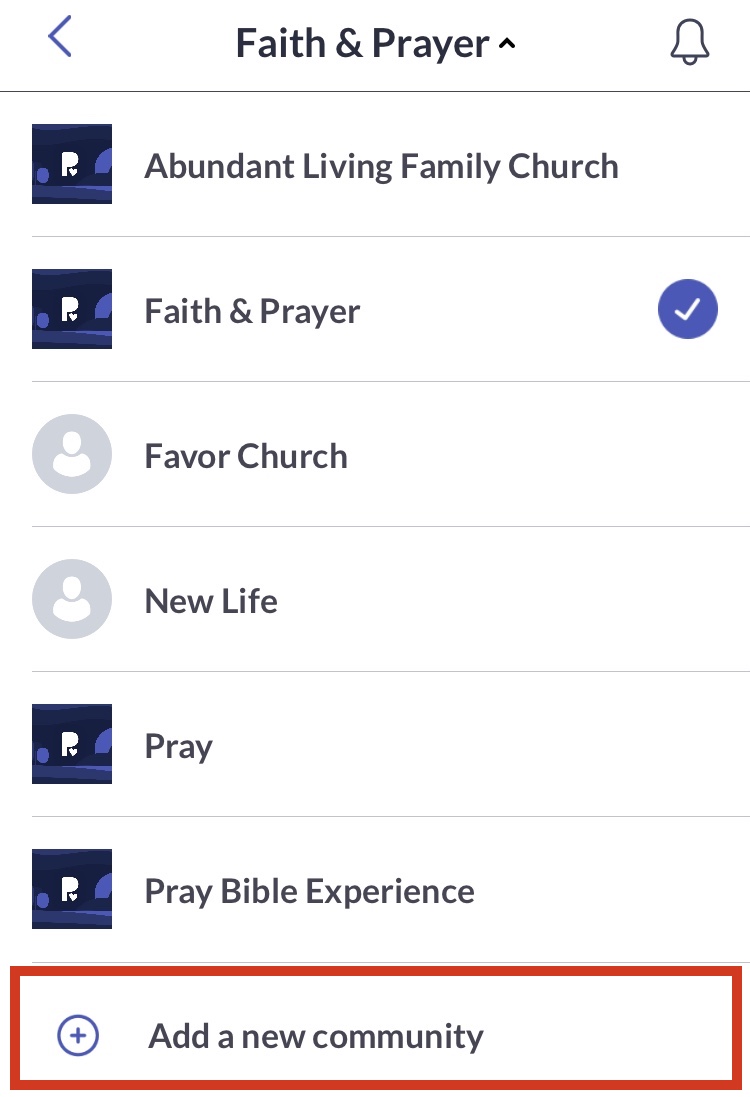
- Touch your current active community right at the top to get a drop-down.

- Choose "Add a new community"
- Allow "Use my location" and enable location access to see the closest community to you, or use the search bar to find a relevant community.
- Tap the community you want to join and tap "Join this community".
- Unsure where to start? Join our Pray Bible Experience, Faith & Prayer, or Pray communities!